Quick answer
Good video editing projects for beginners copy real client jobs: a 30-second shop ad, three Shorts cut from one talk, a color fix, clean audio, a beat-cut montage, a green screen composite, animated titles and a full YouTube tutorial. Build one a week in DaVinci Resolve's free version, then cut a short showreel.
Key takeaways
- • Give every project a one-sentence brief, one main skill, and footage you have the right to use.
- • YouTube counts square or vertical videos up to three minutes as Shorts, so keep social pieces short.
- • DaVinci Resolve's free version handles 8-bit formats up to 60fps, enough for all eight projects.
- • Shorts over one minute with an active Content ID claim are blocked worldwide, so avoid popular songs.
- • Open your showreel with your strongest shot and keep it short.
Table of contents 18 sections
- What Makes a Good Beginner Portfolio Project?
- Video Editing Projects for Beginners: 8 Ideas in Order
- 1. A 30-Second Ad for a Local Shop
- 2. Three Shorts Cut From One Long Talk
- 3. A Before-and-After Color Correction
- 4. A Talking-Head Video With Clean Audio
- 5. A City or Event Montage Cut to the Beat
- 6. A Green Screen Composite
- 7. Animated Titles and a Logo Reveal
- 8. A Full YouTube Tutorial Edit
- An 8-Week Order for Building the Projects
- Free Tools and Footage You Can Use
- Can You Use Popular Songs in Portfolio Videos?
- How Do You Turn the Projects Into a Showreel?
- Where Should Your Video Editing Portfolio Live?
- A Checklist Before You Share Any Project
- Building Your Portfolio in PSTA's Video Editing Course
- Film Project One This Weekend
The best video editing projects for beginners are short, specific pieces a real client would pay for: a 30-second shop ad, a set of clips cut from a long talk, a color fix, a cleaned-up voice track. Keep most of them short. YouTube now treats square or vertical videos of up to three minutes as Shorts. Short vertical work is also quick to finish and easy for a client to watch on a phone.
Eight projects, built in the right order, give you a video editing portfolio that shows range without padding. This guide gives you:
- Eight project briefs, each with the skills it proves and a target length
- The order to build them in over about eight weeks
- Free software and footage that are safe to use
- How to cut the finished work into a short showreel
- A pre-publish checklist so no project goes out half-finished
What Makes a Good Beginner Portfolio Project?
A client watching your portfolio asks one question: can this person do the job I have? So every project should copy a real job, with a clear brief, a length limit and a delivery format. A random montage of holiday clips doesn't answer that question. A 30-second ad for a bakery does.
Good beginner projects share four traits:
- A brief you can state in one sentence. "Cut a 45-second Reel that sells a lawn suit collection" is a brief. "Make something cool" isn't.
- One main skill each. Color, audio, pacing or graphics. Mixing all of them in your first project hides what you actually learned.
- Footage you are allowed to use. Your own phone clips, a friend's shop, or free stock with a clear license.
- A before-and-after you can show. Clients value seeing the raw clip next to your result.
Video Editing Projects for Beginners: 8 Ideas in Order
Each idea below lists what it proves and how long the finished piece should be. Build them in this order, because each one adds a single new skill to the last.
1. A 30-Second Ad for a Local Shop
Film a nearby bakery, mobile shop or tailor on your phone, in vertical format. Cut it to 30 seconds. Open with a hook in the first two seconds, show three product shots, and end on a card with the shop's name and WhatsApp number.
Proves: pacing, cutting to music, vertical framing. Length: 30 seconds.
2. Three Shorts Cut From One Long Talk
Take a long interview or lecture you have permission to use, such as a recorded class or a friend's podcast. Find three moments that make sense on their own and turn each into a vertical clip with captions. Keep each one under three minutes so it counts as one of the YouTube Shorts on your channel.
Proves: finding the story, captions, reframing wide shots for vertical. Length: 30 to 90 seconds each.
3. A Before-and-After Color Correction
Shoot the same scene twice: once in harsh noon light and once indoors under a tube light. Correct the exposure and white balance first, then add a gentle grade so both clips match. Show the result as a split screen. Correct first and grade second, because a creative look applied to a badly exposed clip only exaggerates the problem.
Proves: color correction and shot matching. Length: 20 to 40 seconds.
4. A Talking-Head Video With Clean Audio
Record someone speaking in a room with a fan running. Reduce the background noise, even out the volume, and add quiet background music that dips under the voice. Audio is easy to neglect, so a clean voice track makes your work stand out.
Proves: noise reduction, levels, music ducking. Length: 1 to 2 minutes.
5. A City or Event Montage Cut to the Beat
Cut a 60-second montage of your city, a college event or a wedding (with the family's permission). Match cuts to the beat, vary shot sizes, and use speed ramps sparingly.
Proves: rhythm, shot variety, transitions that don't distract. Length: about 60 seconds.
6. A Green Screen Composite
Film a person in front of a green cloth with even light, then key them onto a new background. Match the light direction and add a soft shadow so the result doesn't look pasted on.
Proves: chroma keying and basic compositing. Length: 15 to 30 seconds.
7. Animated Titles and a Logo Reveal
Design a lower-third name tag, a subscribe reminder and a five-second logo reveal for a made-up brand. Keep the motion simple and the text readable on a phone screen.
Proves: motion graphics, timing and type. Length: 5 to 15 seconds per piece.
8. A Full YouTube Tutorial Edit
Edit a 5- to 8-minute horizontal tutorial, such as a recipe or a phone review. Remove pauses, add B-roll over the talking parts, insert chapter cards, and design a thumbnail. This is the project that brings every earlier skill together.
Proves: long-form structure and keeping viewers watching. Length: 5 to 8 minutes.
An 8-Week Order for Building the Projects
One project a week is a realistic pace if you edit for about an hour a day. Short projects come first, so you finish something in week one and build momentum.
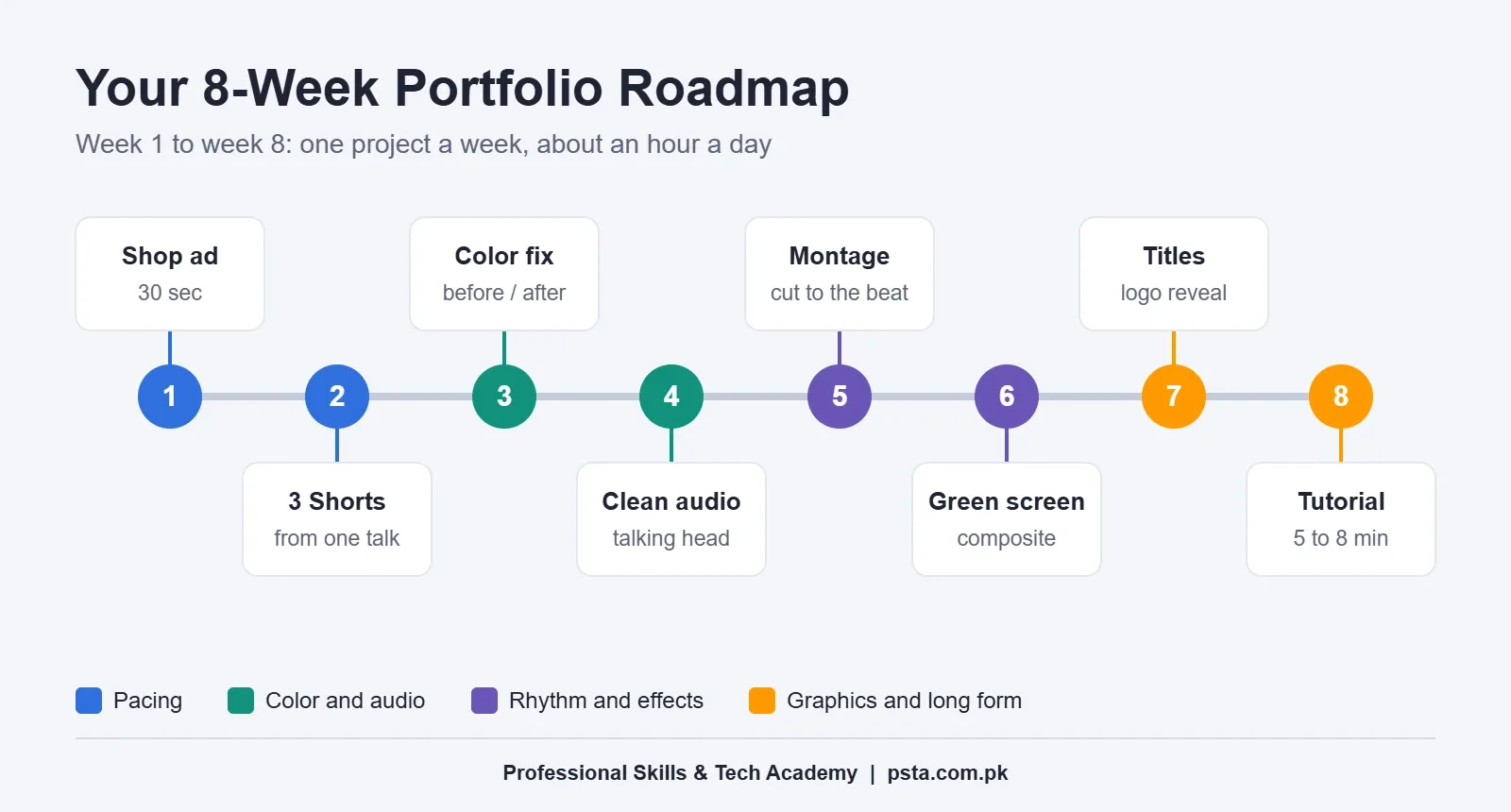
| Week | Project | New skill |
|---|---|---|
| 1 | 30-second shop ad | Pacing and cutting to music |
| 2 | Three Shorts from one talk | Captions and vertical reframing |
| 3 | Before-and-after color | Correction and grading |
| 4 | Talking head with clean audio | Noise reduction and mixing |
| 5 | Montage to the beat | Rhythm and shot variety |
| 6 | Green screen composite | Keying and compositing |
| 7 | Titles and logo reveal | Motion graphics |
| 8 | Full YouTube tutorial | Long-form structure |
Free Tools and Footage You Can Use
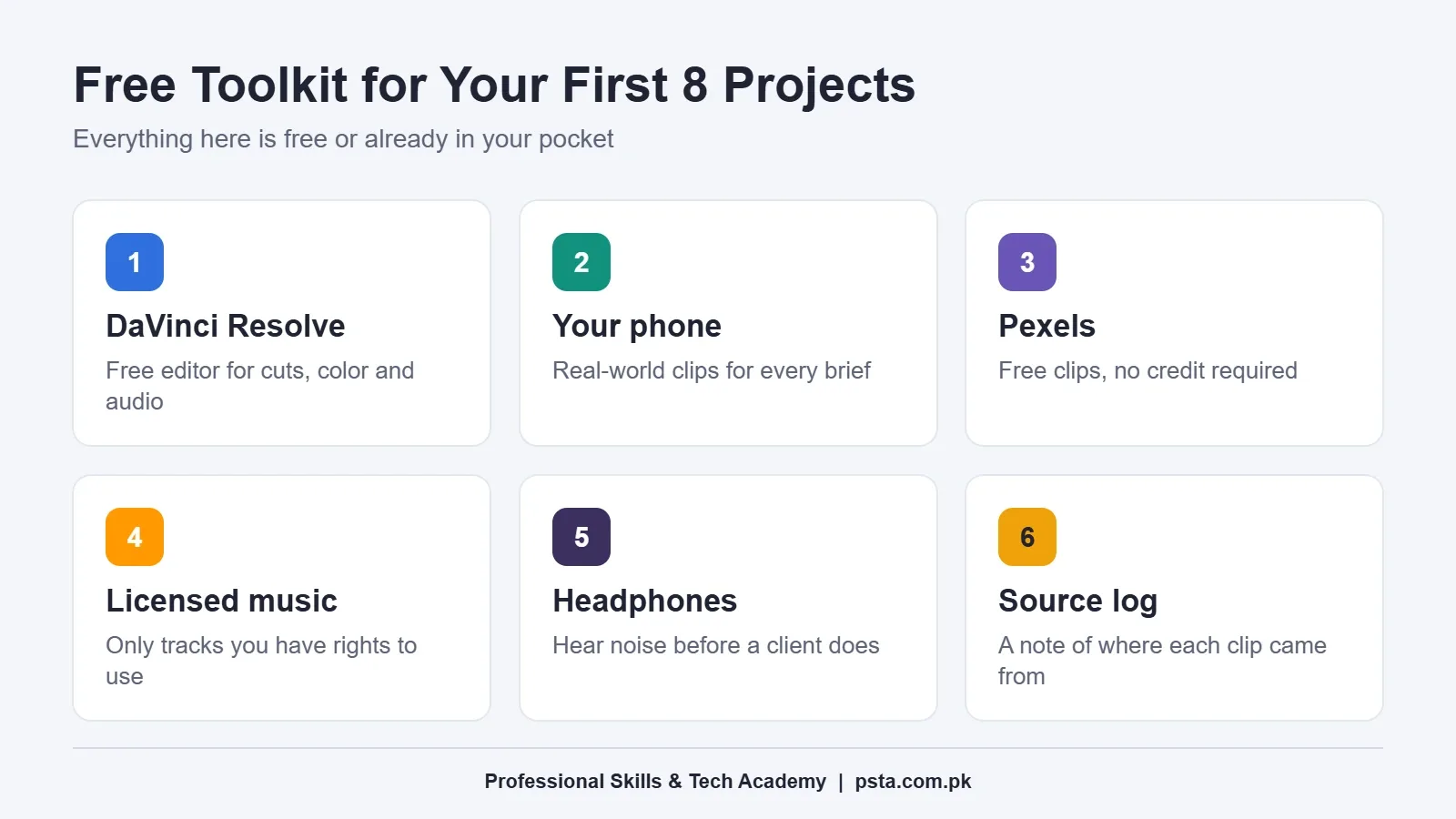
You can build all eight projects without buying software. Blackmagic Design says the free version of DaVinci Resolve works with "virtually all 8-bit video formats at up to 60fps". It covers editing, color, audio and effects in one program. The paid Studio version is listed at $236 on the same page, and you won't need it for these projects.
For footage, your phone is the best source, because clients want to see what you can do with real-world clips. When you need extra shots, Pexels' help center says its photos and videos are free for personal and commercial use, and attribution isn't required.
If your laptop struggles with 4K files, our laptop for video editing myths article explains what actually matters. Not sure which editor to commit to? Read our Premiere Pro vs DaVinci Resolve comparison.
Can You Use Popular Songs in Portfolio Videos?
Avoid it. A portfolio full of copyrighted songs tells clients you don't understand licensing, and it can get your uploads blocked. YouTube's help page on three-minute Shorts says Shorts longer than one minute with an active Content ID claim are blocked worldwide. They can't be watched or recommended until the claim is resolved.
Use music you have rights to: tracks from a royalty-free library with a clear license, music a local artist lets you use in writing, or a simple track you make yourself. Keep a text file in each project folder that records where every clip and song came from.
How Do You Turn the Projects Into a Showreel?
Once you have eight finished pieces, cut a showreel from the strongest moments. Keep it short. The UK careers body ScreenSkills warns against reels that run too long and says the first shot is crucial, because recruiters have little time.
- Pick your five or six best moments, each a few seconds long.
- Open with the strongest one, not a logo animation.
- Cut to one piece of music and keep the pace tight.
- End with your name, WhatsApp number and portfolio link on screen.
- Upload the full projects as separate videos, grouped into playlists by type.
That last step comes from Vimeo's guide to editor portfolios. It suggests choosing your top three project types and sorting work into playlists that show each skill. It also suggests checking where viewers drop off and trimming the reel at that point.
Where Should Your Video Editing Portfolio Live?
A client should be able to see your work in under a minute, from a phone, without downloading anything. That rules out sending a folder of large files as your first message.
A practical setup for a beginner has three parts:
- A YouTube or Vimeo channel with your showreel pinned at the top and each project in a playlist by type.
- A single link you can paste anywhere, such as a simple one-page site or a link-in-bio page that points to the reel and your contact details.
- A shared folder of full-quality exports that you send only when a client asks to check quality.
Name every file clearly, such as "bakery-ad-30s-vertical.mp4", so a client knows what they are opening. Adding these video editing projects for beginners to a Fiverr or Upwork profile? Use the same names and order as on your channel. Consistency makes you look organized before anyone hits play.
A Checklist Before You Share Any Project
Run through these checks before a project goes on your portfolio or Fiverr gig:
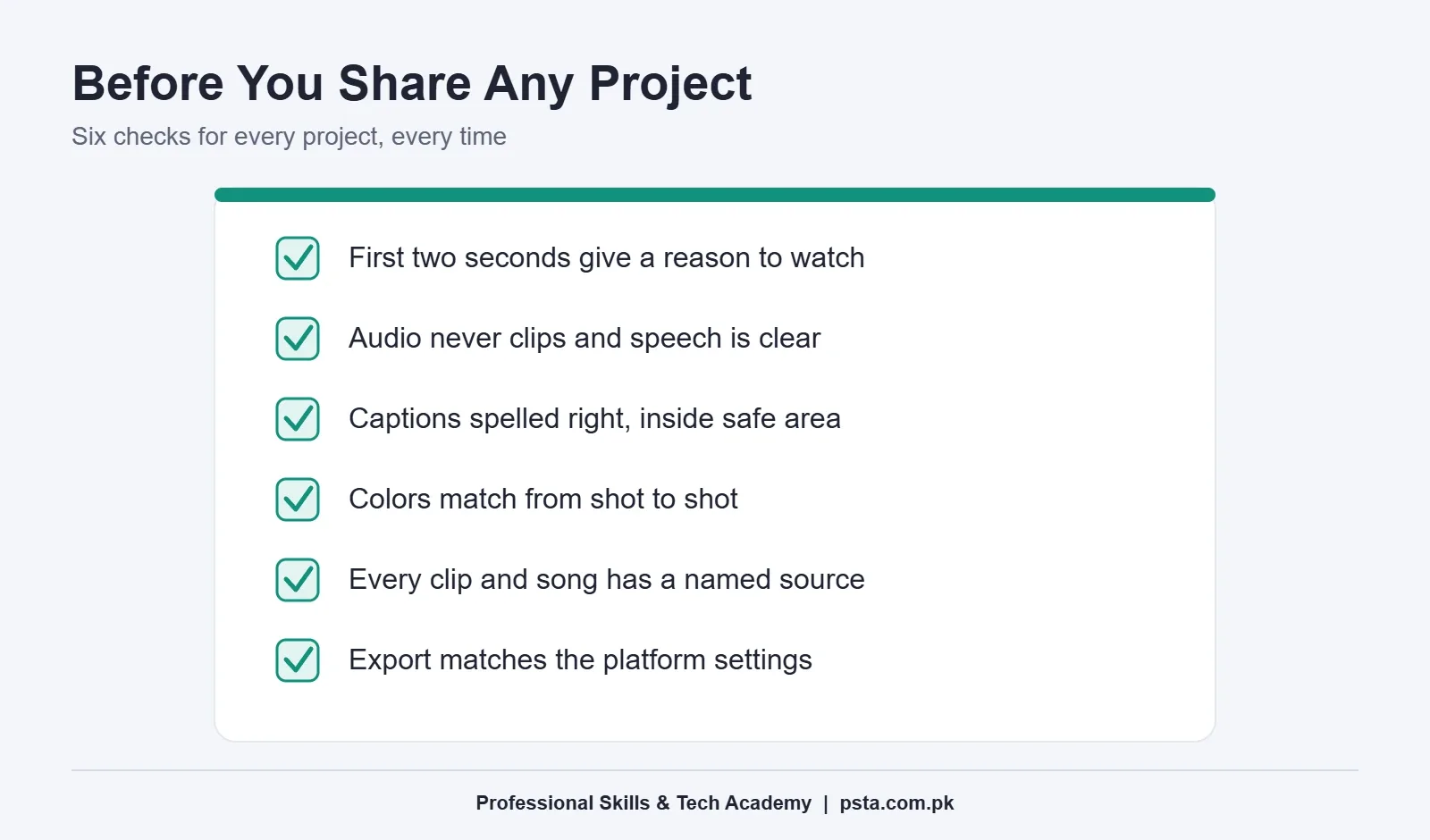
- The first two seconds give a reason to keep watching.
- Audio peaks don't clip, and speech is clear on phone speakers.
- Captions are spelled correctly and stay inside the safe area.
- Colors match from shot to shot.
- Every clip and song has a source you can name.
- The export matches the platform's size and frame rate.
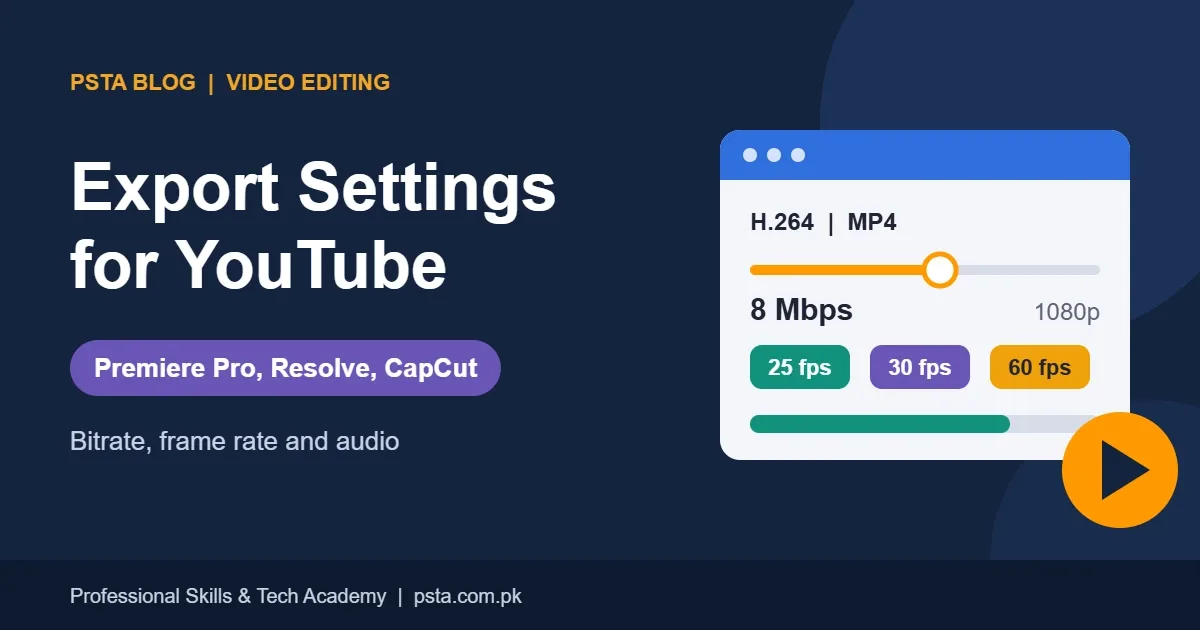
For the last point, our export settings for YouTube guide lists the settings for Premiere Pro, Resolve and CapCut.
Building Your Portfolio in PSTA's Video Editing Course
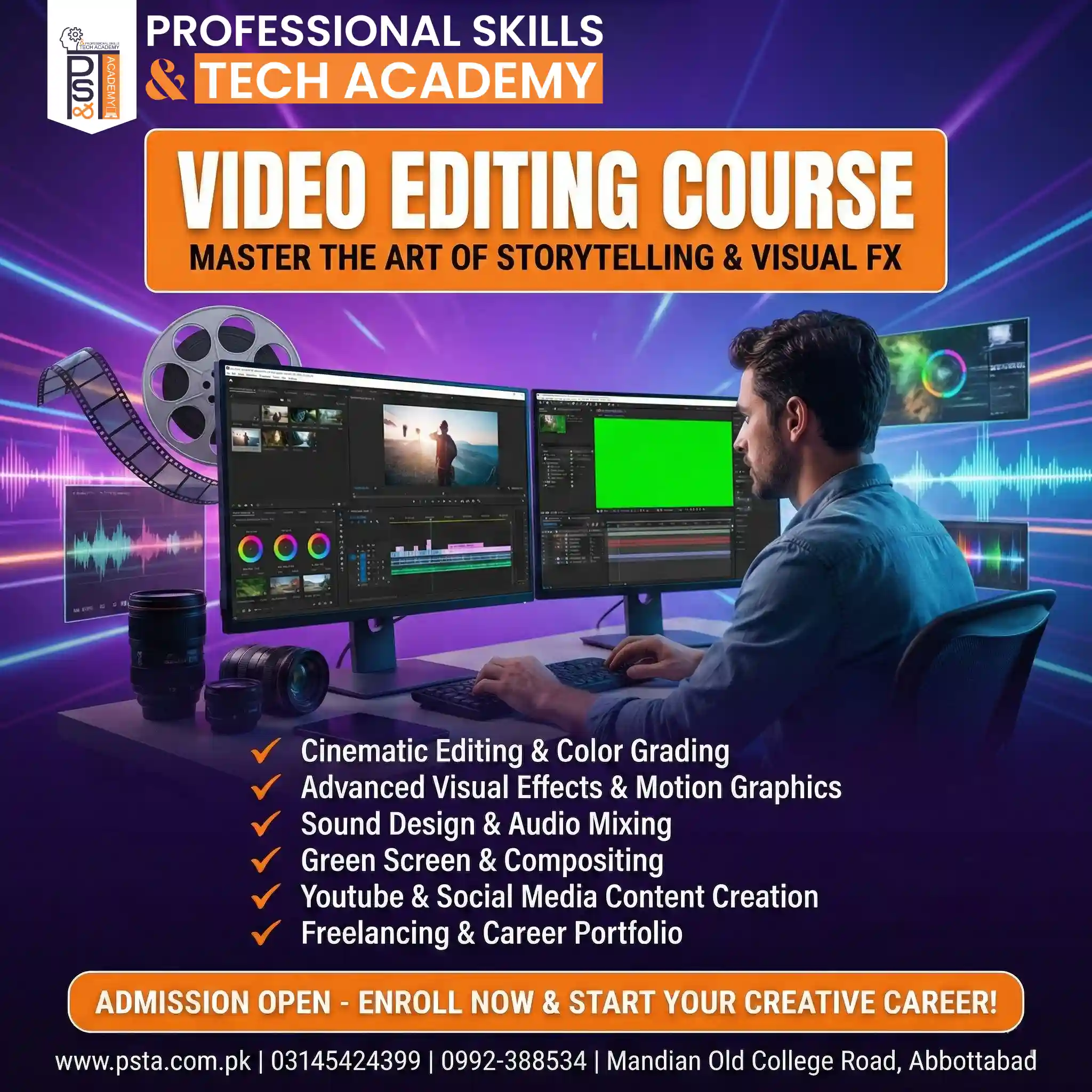
If you want feedback on each project as you go, the Mastering Video Editing and Visual Effects course covers the same ground with an instructor. It teaches Adobe Premiere Pro for cutting, color and audio, and After Effects for VFX and motion graphics.
The 10 modules move from workspaces and storytelling through color grading, sound design, green screen and motion graphics. Later modules cover exporting for YouTube and social media, then freelancing, client work and portfolio building. The course ends with a capstone project and certification.
The course page lists it as a beginner-level, 12-week program. The fee shown there is Rs. 22,000, with a regular price of Rs. 25,000, payable in two installments. A new batch starts every month, with morning, afternoon, evening and weekend slots.
You can study at the Abbottabad campus, which sits opposite FIMS College on Old College Road in Mandian, join live online, or mix both in hybrid mode. You can add the Graphic Designing course for thumbnails and titles. Compare programs on the courses page, then register through admission. Questions about timings can go to WhatsApp 0314 5424399.
Film Project One This Weekend
Walk into one shop near your home and ask if you can film their products for a free 30-second ad. Shoot ten clips in vertical format, edit them on Sunday, and send the owner the result. You'll have your first portfolio piece, and possibly your first referral.
Frequently asked questions
How many projects should a beginner video editing portfolio have?
Six to eight finished projects is a sensible target, as long as each one shows a different skill. Eight pieces covering pacing, captions, color, audio, rhythm, keying, motion titles and long-form editing show range without filler. Quality matters more than count, so drop any piece you would not be happy to send a client.
Can I use free stock footage in my portfolio?
Yes, if the license allows it. Pexels says its photos and videos are free for personal and commercial use and don't require attribution. Still, mix in footage you shot yourself, because clients want to see how you handle real-world clips. Keep a note of where every clip came from.
Is DaVinci Resolve's free version enough for beginners?
For these projects, yes. Blackmagic Design says the free version works with almost all 8-bit video formats at up to 60fps and includes HDR grading. It covers editing, color, audio and effects. The paid Studio version adds more, but you can build a full portfolio before you need it.
Can I use popular songs in my portfolio videos?
It's better not to. YouTube says Shorts longer than one minute with an active Content ID claim are blocked worldwide until the claim is resolved. Clients also notice when an editor ignores licensing. Use royalty-free tracks with a clear license, music an artist permits in writing, or your own simple track.
How long should a video editing showreel be?
Short. Careers body ScreenSkills warns against reels that run too long and stresses that the first shot is crucial, because recruiters have little time. Open with your strongest moment, cut to one piece of music, and end with your contact details. Put full projects in playlists for anyone who wants more.
Should I make portfolio projects in vertical or horizontal format?
Make both. Shop ads, Shorts and Reels are vertical, while tutorials and event videos are usually horizontal. Showing both formats tells a client you can deliver for social media and for YouTube. Start with vertical pieces, because they are short and quick to finish.
Sources & references
- YouTube Help: Understand three-minute YouTube Shorts support.google.com
- Blackmagic Design: DaVinci Resolve blackmagicdesign.com
- Pexels Help Center: Licensing help.pexels.com
- ScreenSkills: How to make a showreel for film or TV screenskills.com
- Vimeo: How to make a video editor portfolio vimeo.com
Last reviewed & updated on by Umar Qureshi. Written by the PSTA team in Abbottabad, Pakistan.

Umar Qureshi
Mastering Video Editing & Visual Effects (VFX)
Turn this guide into a career: hands-on training with real projects, online across Pakistan or on-campus in Abbottabad · 12 Weeks.
Comments
No comments yet — ask a question or share your experience.