Quick answer
To become a video editor in Pakistan, start with free software such as DaVinci Resolve or CapCut, practise about 90 minutes a day and build a five-piece portfolio with a one-minute showreel. Most beginners can pitch for paid work within about six months, starting with local businesses before Fiverr and Upwork.
Key takeaways
- • DaVinci Resolve's free version edits up to Ultra HD at 60 fps; Studio is listed at $236 one-time.
- • Adobe Premiere costs US$22.99/mo on an annual plan, and CapCut Pro starts at $19.99/mo.
- • Follow a monthly plan: cuts, audio, colour, motion text, portfolio, then first clients.
- • Upwork shows a $10/hr median for entry-level video editors and $40/hr for mid tier.
- • Five polished pieces and a one-minute showreel beat a long, unfocused portfolio.
Table of contents 18 sections
- What It Takes to Become a Video Editor in Pakistan
- Who Pays for Video Editing Right Now?
- Which Software Should a Beginner Start With?
- The Six-Month Video Editor Roadmap
- Month 1: Cuts, Timeline and Project Folders
- Month 2: Audio and Captions
- Month 3: Colour Correction and Export
- Month 4: Motion Text and Short-Form Pacing
- Month 5: Build the Portfolio
- Month 6: First Paying Clients
- Do You Need an Expensive Laptop to Start?
- What Should Go in a Video Editor Portfolio?
- How Much Do Beginner Video Editors Charge?
- Finding Your First Clients in Pakistan
- Habits That Slow New Editors Down
- Will AI Tools Replace Video Editors?
- Where PSTA's Video Editing Course Fits This Roadmap
- Edit One 30-Second Clip This Weekend
"Can I become a video editor in Pakistan if I've never opened editing software?" Students ask me this almost every week, usually with a phone full of clips and a laptop they aren't sure about. Yes, you can. With free software, steady practice and a small portfolio, most beginners can take their first paid edit within about six months, but only if they practise on real footage instead of watching endless tutorials.
This roadmap is the plan I give my own students. It's built for Pakistan: local clients, rupee budgets, slow internet days and all. By the end, you'll have a clear picture of:
- Who actually pays for video editing in Pakistan and abroad
- Which software to start with, and what each one costs today
- A month-by-month plan from your first cut to your first client
- What to put in a portfolio and what to charge as a beginner
- The habits that slow new editors down, and how to avoid them
What It Takes to Become a Video Editor in Pakistan
To become a video editor, you need three things more than any certificate: a working understanding of one editing program, an eye for pacing and a portfolio that proves both. Clients rarely ask where you studied. They ask to see a reel.
The skills break down into a short list. You cut footage so the story moves. You clean audio so voices are clear. You fix colour so shots match. You add captions, titles and simple motion. Then you export the file correctly for the platform it's going to. Each of these can be learned and practised in small, separate sessions.
What you don't need on day one: an expensive camera, a paid software plan or a powerful desktop. Those come later, when paid work justifies them. That's what makes a video editing career in Pakistan realistic for students on a tight budget.
Who Pays for Video Editing Right Now?
Demand comes from people who publish video regularly and don't have time to edit it. In Pakistan, that audience is large. DataReportal's Digital 2026: Pakistan report estimates YouTube's ad audience at 54.3 million users in late 2025, out of roughly 117 million internet users. Every one of those channels, brands and creators needs someone to cut their content.
Short video has pushed the volume even higher. At Cannes Lions in June 2025, YouTube CEO Neal Mohan said Shorts averages 200 billion daily views, as reported by Tubefilter. Short clips are quick to edit, so creators order them in batches. That's good news for beginners.
Here's who typically hires editors from Pakistan:
- YouTubers and podcasters who want long episodes cut into shorts and reels
- Local businesses such as restaurants, clinics, real estate agents and clothing brands that post on Facebook, Instagram and TikTok
- Wedding and event studios that need highlight films edited after a busy season
- Marketing agencies producing ad variations for clients
- Schools, academies and coaches turning lectures into course videos
- Overseas clients on Fiverr and Upwork who need ongoing, reliable help
Which Software Should a Beginner Start With?
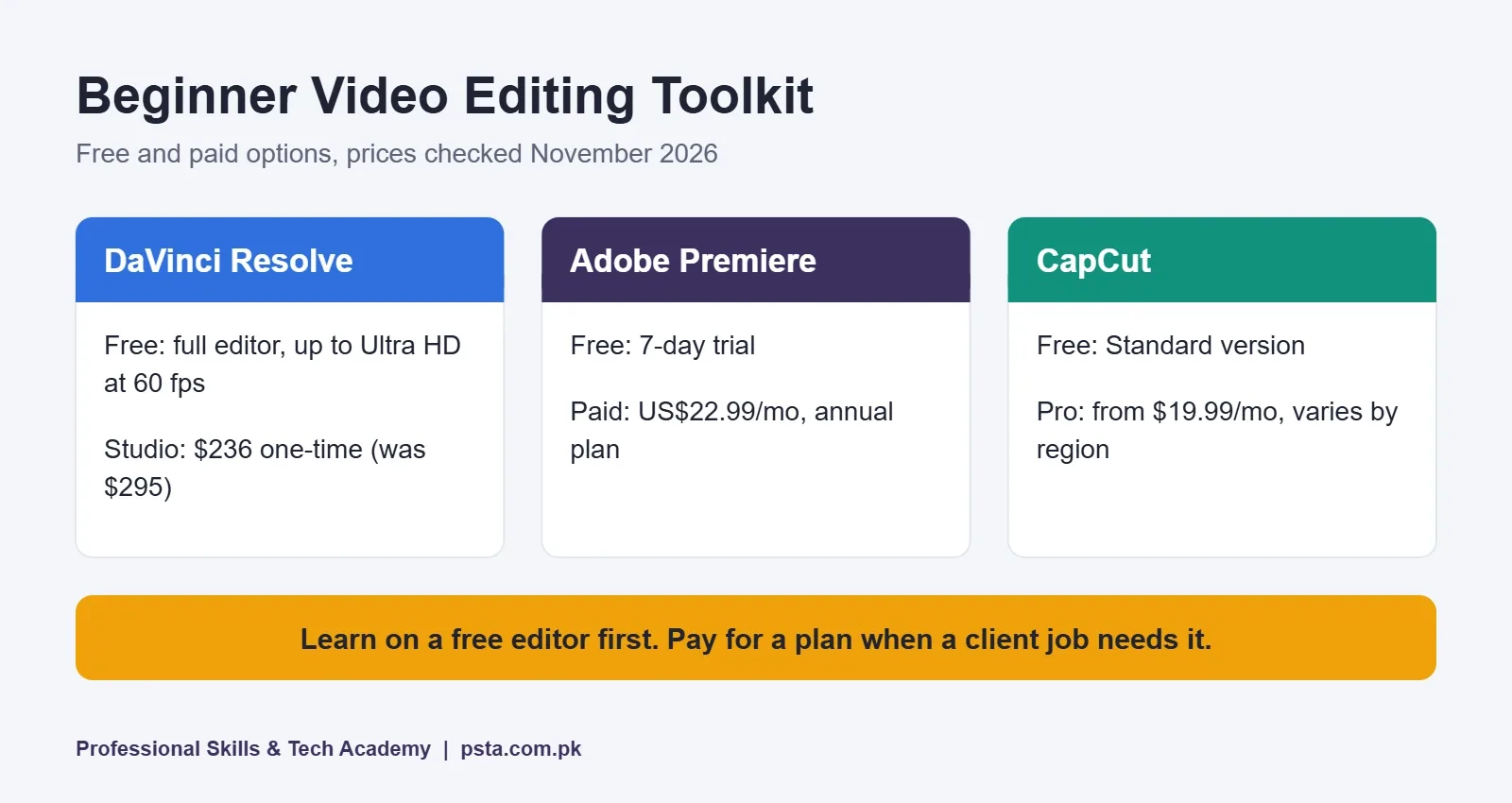
Anyone who wants to become a video editor should start with one program and stay with it for at least three months. Switching every few weeks is the fastest way to stay a beginner. Here's what the three most common choices of video editing software for beginners cost, checked on each company's own website in November 2026:
| Software | Free option | Paid option | Best for |
|---|---|---|---|
| DaVinci Resolve | Full free version, up to Ultra HD at 60 fps | Studio listed at $236 one-time (was $295) | Learning editing and colour without paying |
| Adobe Premiere | 7-day free trial | US$22.99/mo on an annual plan, billed monthly | Agency and studio jobs that ask for Adobe |
| CapCut | Standard version is free | Pro from $19.99/mo; prices vary by region | Fast shorts and reels for social media |
According to Blackmagic Design's Studio page, the free DaVinci Resolve handles editing up to 3840 x 2160 at 60 fps, while Studio adds 120 fps, multi-GPU support, 10-bit formats and AI tools such as voice isolation. Adobe's Premiere page lists the US$22.99 monthly price and a seven-day trial. CapCut's own comparison says Pro adds AI captions, background removal and a bigger template library.
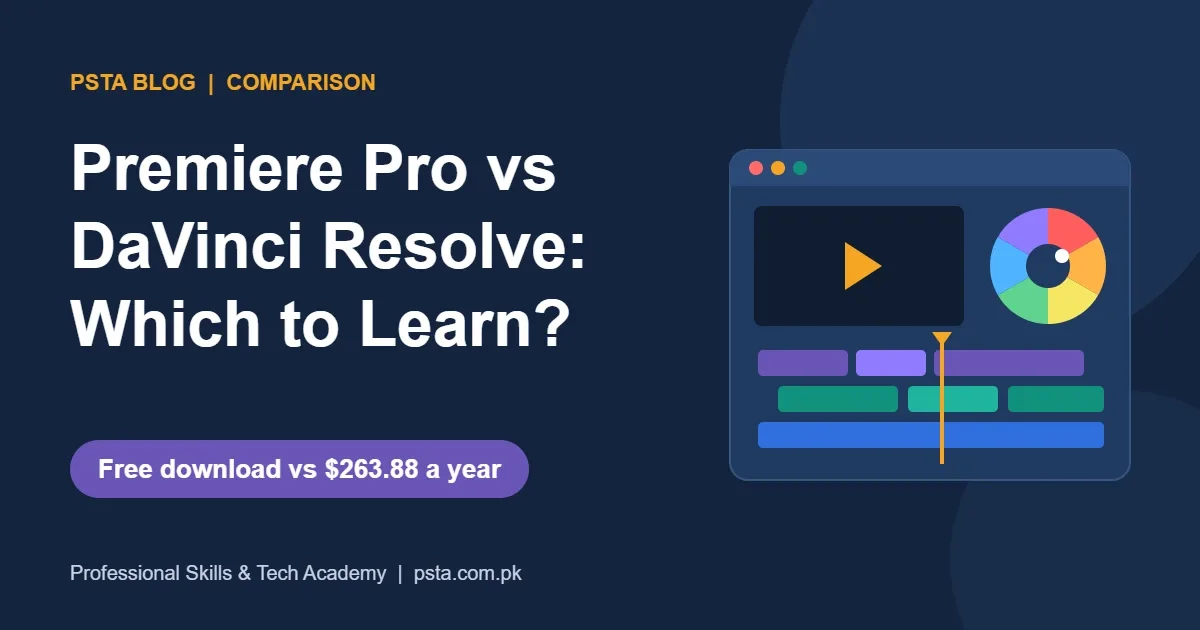
My advice: learn the craft in DaVinci Resolve's free version, use CapCut for quick social clips, and move to Premiere when a job or agency requires it. The editing logic carries over. For a deeper comparison, read our guide on Premiere Pro vs DaVinci Resolve or browse more free video editing software.
The Six-Month Video Editor Roadmap
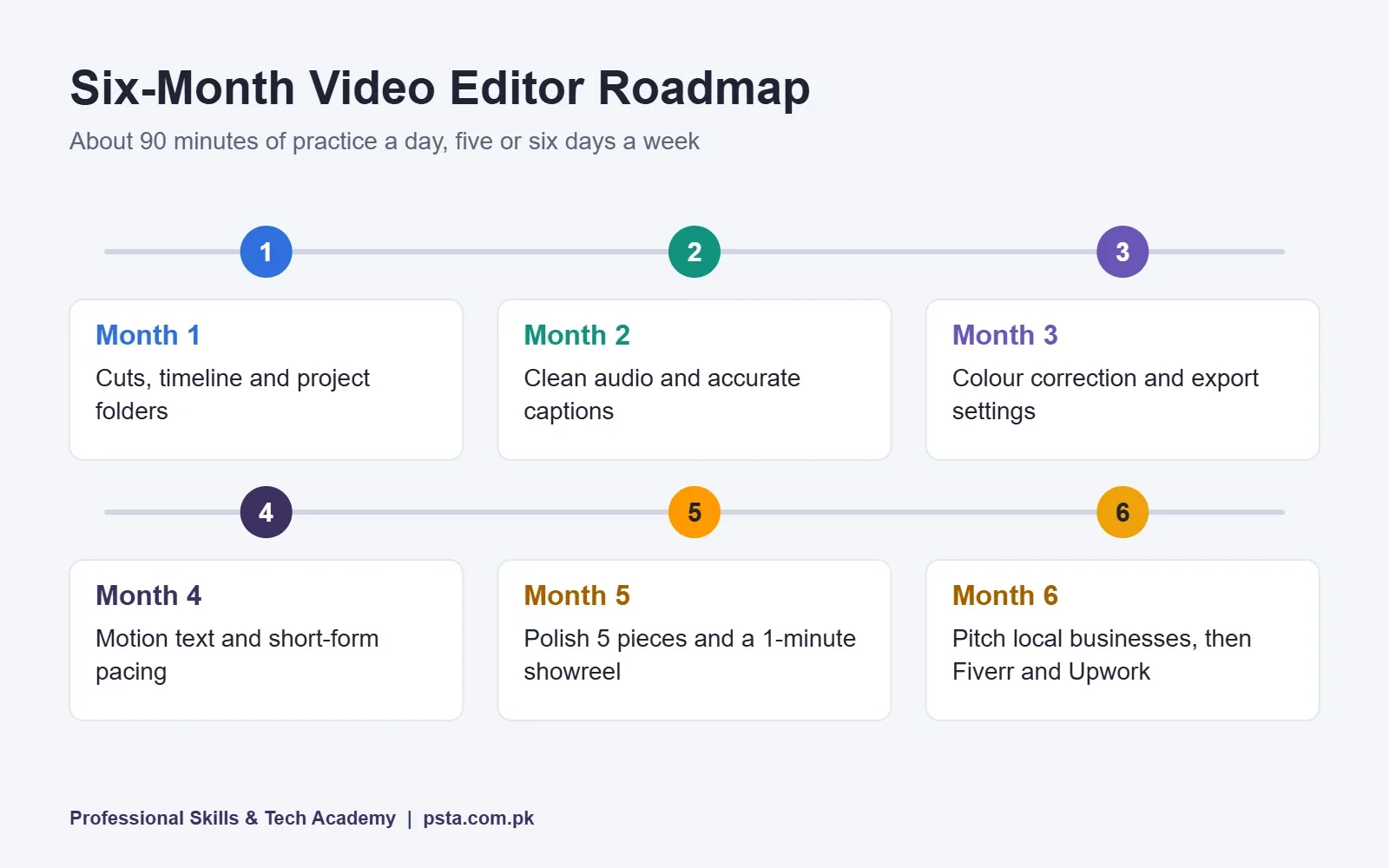
This plan assumes about 90 minutes of practice a day, five or six days a week. If you have less time, stretch each stage. Don't skip one.
Month 1: Cuts, Timeline and Project Folders
Learn to import footage, organise bins and make clean cuts. Edit a two-minute talking-head video from your phone. Remove pauses, "umm"s and repeated lines. Name your files properly from the first day, because messy folders cost real time on client jobs.
Month 2: Audio and Captions
Viewers forgive average visuals but not bad sound. Practise reducing background hum, balancing voice against music and adding accurate captions. Plenty of people scroll with the sound off in offices and on buses, so captions often decide whether a clip gets watched.
Month 3: Colour Correction and Export
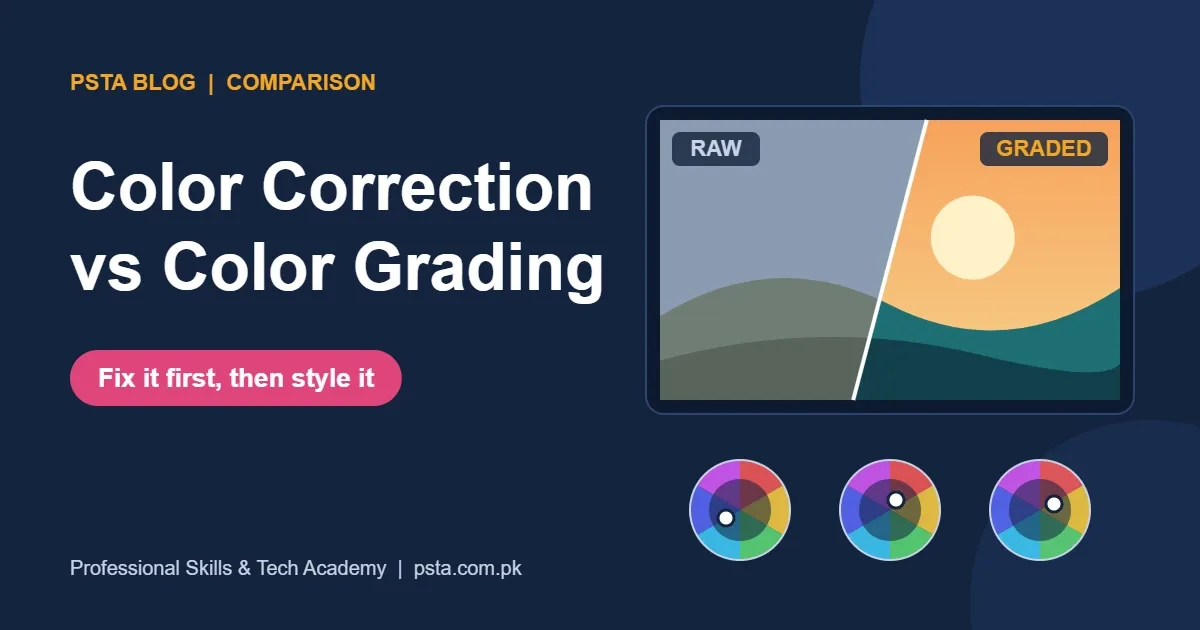
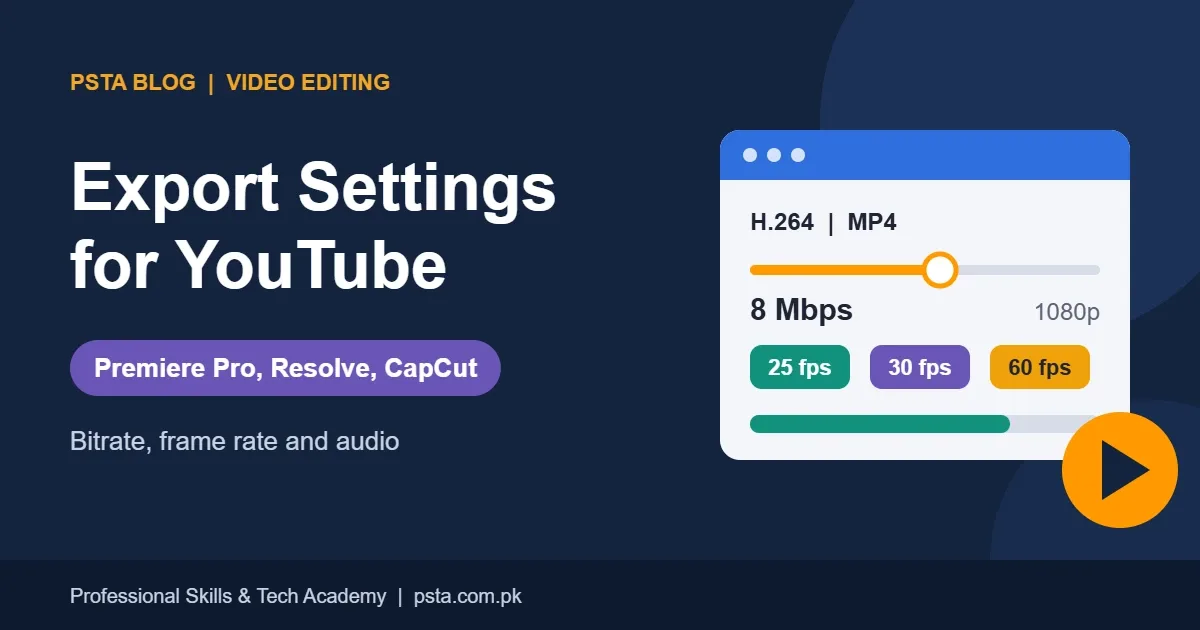
Fix white balance and exposure so shots match, then try a simple grade. Learn the export settings each platform expects. Our posts on colour correction vs colour grading and export settings for YouTube cover both in detail.
Month 4: Motion Text and Short-Form Pacing
Add animated titles, lower thirds and simple zooms. Then study pacing. Take one 20-minute podcast and cut five vertical clips of 30 to 60 seconds each. Hook in the first two seconds, one idea per clip.
Month 5: Build the Portfolio
Choose your five strongest pieces and polish them. Re-edit old work with fresh eyes. Put a one-minute showreel together and upload everything to a single, mobile-friendly page or channel.
Month 6: First Paying Clients
Start pitching. Approach local businesses first, then set up Fiverr or Upwork profiles. Keep practising daily, because client feedback will show you gaps you didn't know you had.
Do You Need an Expensive Laptop to Start?
No. A mid-range laptop with a solid-state drive is enough for 1080p practice edits in DaVinci Resolve or CapCut, especially if you use proxy files. Proxies are lighter copies of your footage that the editor uses while you work, then swaps for the originals at export.
Upgrade when your work demands it. Signs you've outgrown your machine: 4K client footage that stutters even with proxies, or export times that make you miss deadlines. Our guide to choosing a laptop for video editing lists what to look for at each budget.
Two cheap purchases make a bigger difference than most beginners expect: a pair of closed-back headphones for checking audio, and an external drive for backing up client footage. Losing a client's raw files once can end that relationship.
What Should Go in a Video Editor Portfolio?
A portfolio isn't a dump of everything you've edited. It's a short, focused proof that you can do the kind of work the client needs. If you want YouTube clients, show YouTube-style edits. If you want local businesses, show ads and reels.
Don't have clients yet? Create your own briefs. Edit a promo for a relative's shop. Recut a free stock footage pack into an ad. Turn a public-domain lecture into shorts. Label these honestly as practice projects. Clients care about quality, not whether someone paid for it. For ideas, see our list of video editing projects for beginners.
Before you send a single pitch, check that your portfolio has these seven things: a one-minute showreel at the very top, three vertical short-form edits in 9:16, one long-form edit with B-roll and music, a before-and-after colour correction clip, captions checked for spelling, links that open properly on a phone, and your rate and turnaround time stated clearly.
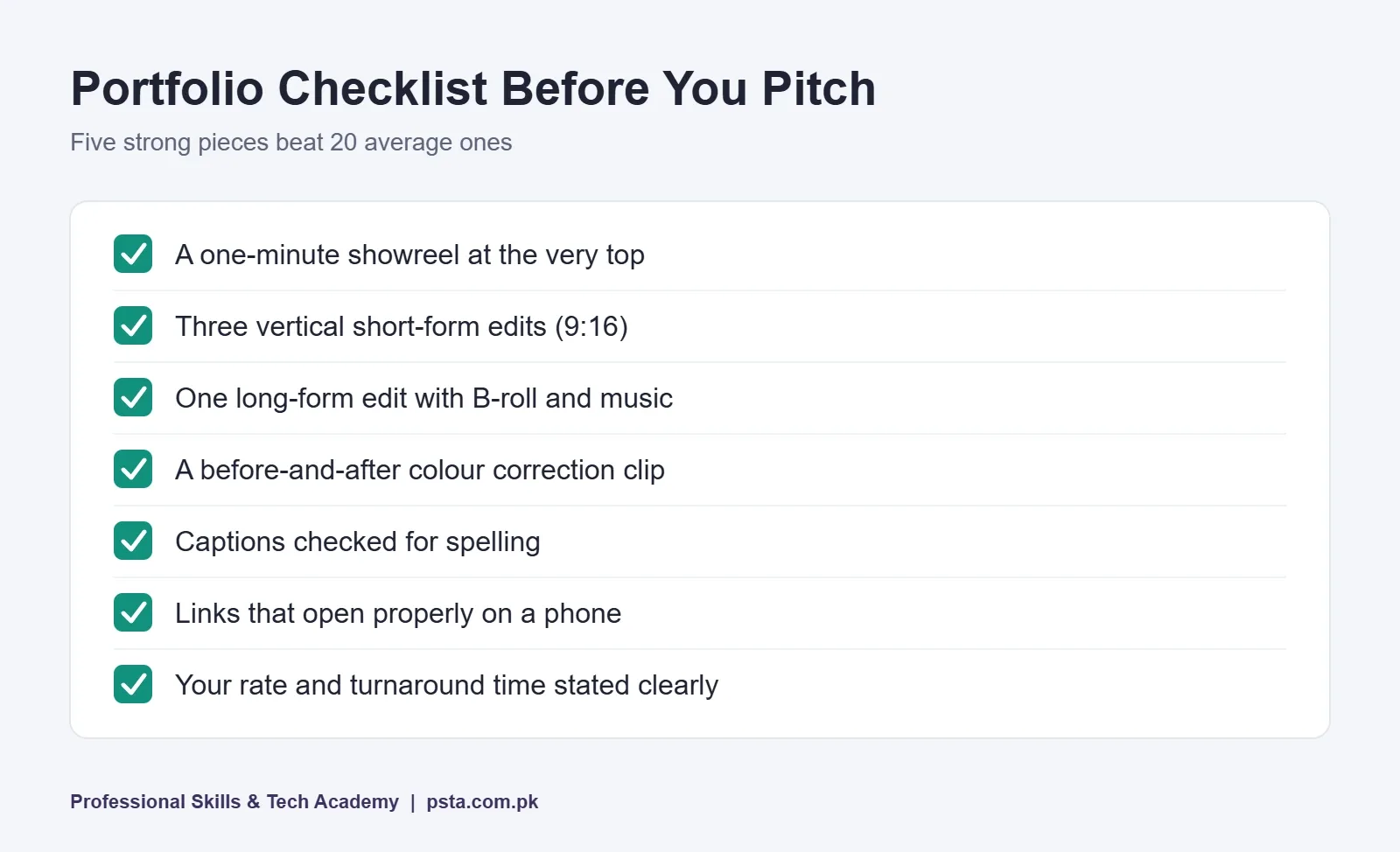
Keep the portfolio short. Five excellent pieces beat 20 average ones, and a client deciding between editors may only watch the first 15 seconds of each.
How Much Do Beginner Video Editors Charge?
Video editor rates vary widely, so treat any number as a range, not a promise. Upwork's video editor cost page breaks its rates into three tiers based on active contracts:
| Upwork tier | Hourly range | Median |
|---|---|---|
| Entry level | Below $30/hr | $10/hr |
| Mid tier | $31 to $60/hr | $40/hr |
| Senior | $61 to $150/hr | $100/hr |
The same page also gives a typical range of $6 to $25 per hour, so even Upwork's own figures don't line up perfectly. As a new editor from Pakistan, expect to start near the entry-level median and build from there with reviews and repeat clients.
Many editors price per video instead of per hour. That's often easier for both sides. Before quoting, ask for the raw footage length, the final length, the deadline and the number of revisions. Those four answers tell you how long the job will actually take.
Finding Your First Clients in Pakistan
Once you become a video editor with a small portfolio, your first clients usually come from people you can reach directly, not from platforms. Here's an order that works for most of my students:
- Offer one sample edit to three local businesses. Pick shops whose Instagram videos look rushed. Show them a re-edit of their own clip.
- Ask small creators you already watch. Send a short, polite message with one relevant sample. Don't send a full portfolio link to a stranger first.
- Set up a Fiverr gig and an Upwork profile. Use your best sample as the gig video. Our Fiverr vs Upwork comparison helps you decide where to focus your freelance video editing work.
- Deliver early and communicate clearly. A beginner who replies fast and meets deadlines often wins repeat work over a more skilled editor who goes silent.
- Ask every happy client for a review. Reviews matter more than portfolio size once you're on a marketplace.
Habits That Slow New Editors Down
I see the same patterns in almost every new batch. Fixing them early saves months.
- Collecting tutorials instead of editing. Watch one lesson, then edit for an hour. Not the other way round.
- Overusing transitions and effects. Clean cuts look professional. Spinning wipes look dated.
- Ignoring audio. Check every export with headphones before sending it.
- No backups. Keep client footage in two places until the project is paid and closed.
- Underpricing forever. Low rates help you get reviews. Raise them once you have five or more.
- Using copyrighted music. It can get a client's video blocked. Use licensed or royalty-free tracks.
Will AI Tools Replace Video Editors?
AI already handles some chores. Auto captions, background removal and voice isolation are now built into CapCut Pro and DaVinci Resolve Studio, according to their own product pages. These tools save time on repetitive tasks.
What they don't do well is judgement: which moment carries the emotion, where the story drags, what the client's audience will respond to. That's the part clients pay for. Learn the AI features, use them to work faster and spend the saved time on story and pacing. Editors who do that tend to stay busy.
Where PSTA's Video Editing Course Fits This Roadmap
If you'd rather learn video editing with a teacher checking your work, PSTA's Mastering Video Editing & Visual Effects (VFX) course covers it in 12 weeks. It's a beginner-level course taught in Adobe Premiere Pro and After Effects, from timeline basics to colour grading, sound design, green screen, motion graphics and export settings for each social platform.
The final module covers freelancing, client outreach and portfolio building, and you finish with a one-minute capstone showreel you can use on Fiverr, Upwork and social media. The current fee is Rs. 22,000 (regular Rs. 25,000), payable in two installments. You can attend at our Mandian campus in Abbottabad, join the same live classes online from any city, or mix both.
If you also want to design thumbnails and social posts, the Graphic Designing course pairs well with editing. Editors who want to run ads for clients can add the Social Media Marketing & Meta Ads course. You can compare everything on our courses page or start the form on the admission page.
Edit One 30-Second Clip This Weekend
Don't wait for the perfect laptop or the perfect course. Download DaVinci Resolve or CapCut today. Record three minutes of yourself explaining something you know well, then cut it down to a tight 30-second vertical clip with captions. Watch it on your phone with sound off and on.
That single exercise teaches cutting, pacing, captions and export in one sitting. Do it once a week for a month and you'll already be ahead of most people who say they want to become a video editor. If you get stuck or want feedback on your first clip, message us on WhatsApp at +92 314 5424399.
Frequently asked questions
How long does it take to become a video editor in Pakistan?
With about 90 minutes of focused practice a day, most beginners can handle simple paid edits in around six months. You'll move faster if you edit real footage every day and slower if you mostly watch tutorials. Your portfolio, not the calendar, is the best sign that you're ready to pitch clients.
Is video editing a good career in Pakistan?
Demand is steady. DataReportal estimates YouTube's ad audience in Pakistan at 54.3 million users in late 2025, and creators, brands, studios and agencies all need regular edits. Income isn't guaranteed, though. It depends on the quality of your portfolio, how reliably you meet deadlines and whether clients come back.
Is DaVinci Resolve really free to use?
Yes. Blackmagic Design offers a free version of DaVinci Resolve that edits up to Ultra HD at 60 fps and includes colour grading tools. The paid Studio version adds 120 fps, multi-GPU support, 10-bit formats and AI features, and was listed at $236 one-time when we checked in November 2026.
Can I learn video editing on a mobile phone?
You can learn the basics on a phone with CapCut's free Standard version, especially cutting, captions and short vertical clips. For client work, a laptop helps a lot: longer projects, colour correction, audio cleanup and file organisation are far easier on a bigger screen with a proper editor.
Do I need a degree to work as a video editor?
No. Clients and studios mostly judge your showreel, your communication and whether you deliver on time. A course certificate can help with local job applications, but five well-edited portfolio pieces and a one-minute showreel usually carry more weight than any qualification.
How much should a beginner charge for video editing?
Upwork's cost page lists entry-level video editors below $30 an hour, with a $10 median. Many beginners in Pakistan price per video instead. Before quoting, ask for the raw footage length, final length, deadline and number of revisions so you can estimate the real hours involved.
Should a beginner learn Premiere or DaVinci Resolve first?
Both teach the same editing logic, so either is a sound start. DaVinci Resolve's free version lets you learn without paying, while Premiere, at US$22.99 a month on an annual plan, is common in agencies and studios. Pick one and stay with it for at least three months.
Sources & references
- Digital 2026: Pakistan (DataReportal) datareportal.com
- YouTube Shorts Averages 200 Billion Daily Views (Tubefilter) tubefilter.com
- DaVinci Resolve Studio (Blackmagic Design) blackmagicdesign.com
- Adobe Premiere Plans and Pricing (Adobe) adobe.com
- CapCut Standard vs Pro (CapCut) capcut.com
- How Much Does Hiring a Video Editor Cost? (Upwork) upwork.com
Last reviewed & updated on by Umar Qureshi. Written by the PSTA team in Abbottabad, Pakistan.
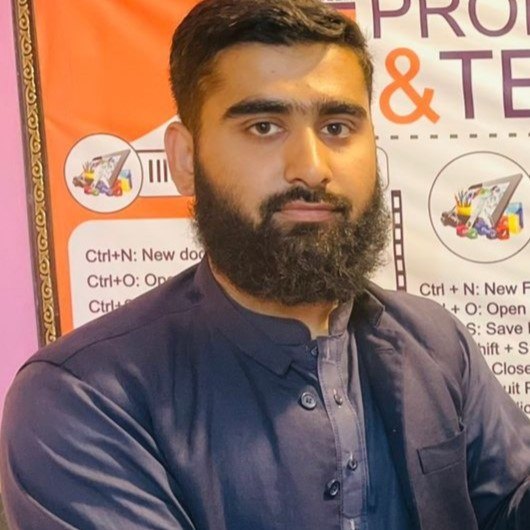
Umar Qureshi

Mastering Video Editing & Visual Effects (VFX)
Turn this guide into a career: hands-on training with real projects, online across Pakistan or on-campus in Abbottabad · 12 Weeks.
Comments
No comments yet — ask a question or share your experience.